In today’s fast-paced work environment, flexibility is no longer just a perk; it’s a necessity. Many businesses operate with remote teams, field workers, or employees who frequently travel.
This creates one big challenge: how do you accurately track attendance without requiring everyone to be in the same place?
That’s where Odoo’s attendance tracking capabilities, especially when paired with a mobile app, step in to transform how businesses monitor employee presence. With Odoo, you can check in, check out, and manage attendance data seamlessly from anywhere, whether your team is in the office, on the road, or working from home.
Let’s explore how Odoo makes this possible and why it’s such a powerful solution for modern businesses.
1. Mobile Accessibility for On-the-Go Attendance
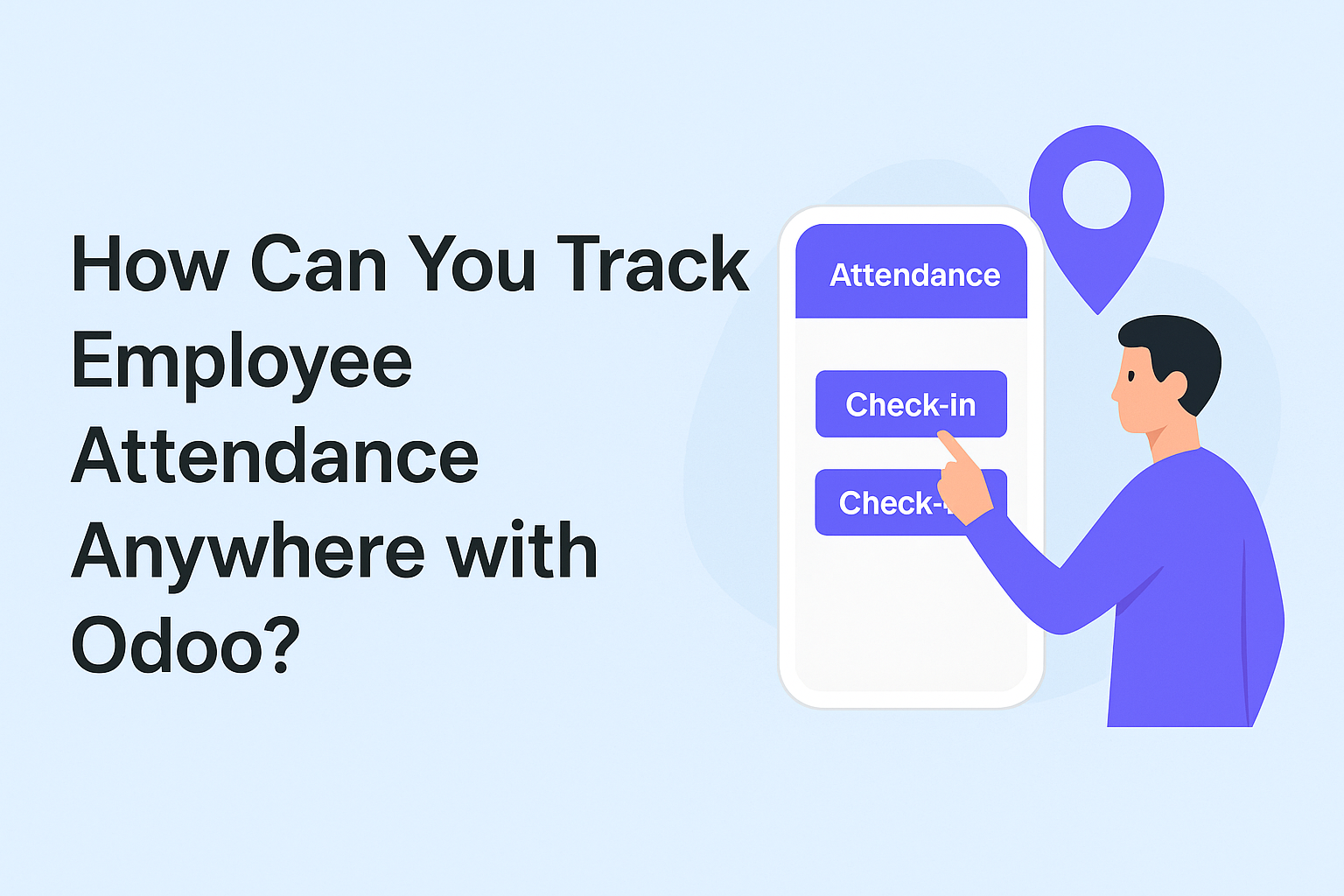
Odoo’s Attendance Mobile App enables employees to mark their presence directly from their smartphones or tablets. Instead of logging into a desktop system or signing a paper register, users can simply:
-
Open the app
-
Tap “Check-In” when they start their workday
-
Tap “Check-Out” when they finish
Because the app is available on both Android and iOS devices (built using Flutter for cross-platform performance), it works reliably regardless of the device employees use. This mobility ensures that attendance tracking isn’t tied to the office, perfect for field staff, sales teams, and remote workers.
2. Real-Time Data Synchronization with Odoo ERP
One of the biggest concerns in attendance management is keeping data accurate and up to date. With the Odoo Attendance Mobile App, each check-in and check-out action is instantly synced with the main Odoo ERP database.
This means managers can view real-time attendance reports without waiting for manual updates. Whether an employee is in another city or another country, their attendance records are always current.
3. Geo-Tagging and Location Awareness
If your business needs to verify that employees are at specific job sites or locations, Odoo’s mobile attendance solutions can integrate with geo-tagging features. When enabled, the app records the GPS location during check-in and check-out.
This is especially valuable for:
-
Construction companies
-
Delivery services
-
Event management teams
-
Multi-branch organizations
By linking attendance records with location data, you gain transparency and reduce the risk of false reporting.
4. Push Notifications and Reminders
Forgetting to mark attendance is a common issue in many organizations. Odoo Attendance Mobile App solves this by sending push notifications to remind employees to check in or out.
These alerts not only improve accuracy but also help ensure compliance with working hour policies. As a result, HR teams spend less time chasing incomplete records.
5. Attendance History and Employee Self-Service
The app also empowers employees to view their attendance history directly from their mobile device. They can see:
-
Daily check-in and check-out times
-
Total hours worked
-
Leave or absence records
This transparency reduces the number of queries HR teams receive and fosters accountability. Employees can quickly verify their data without requesting manual reports.
6. Multi-User and Secure Access Management
Odoo makes it easy to manage attendance for different user roles. Admins can control who has access to which features, ensuring that only authorized staff can make changes to attendance data.
For example:
-
Employees can check in/out and view their history
-
Managers can view team-wide attendance reports
-
HR can make corrections when necessary
Secure access management ensures the system is both user-friendly and protected against misuse.
7. Integration with Payroll and HR Modules
One of Odoo’s biggest strengths is that its modules are interconnected. Attendance data collected via the mobile app can feed directly into the Payroll and HR modules.
This automation eliminates the need for manual data entry, reduces errors, and ensures salaries are calculated based on accurate working hours. It also simplifies overtime tracking and leave deductions.
8. Offline Mode for Uninterrupted Tracking
Sometimes, employees work in areas with poor or no internet connectivity. Odoo’s mobile attendance solutions can work in offline mode, storing attendance data locally on the device. Once the internet connection is restored, the data automatically syncs with the central Odoo system.
This ensures attendance is never missed due to connectivity issues, a big win for field teams in remote locations.
9. Scalability for Growing Teams
Whether you have 10 employees or 1,000, Odoo’s mobile attendance solution can scale with your needs. Adding new users is simple, and because it’s linked with your central ERP, there’s no need to deploy separate systems for different locations.
Final Thoughts
Tracking employee attendance anywhere used to be a logistical headache, especially for companies with remote staff, multiple offices, or field-based teams. With Odoo’s Attendance Mobile App, that problem becomes a thing of the past.
You get real-time synchronization, location tracking, push notifications, and seamless integration with HR and payroll, all from a single, mobile-friendly platform.
By adopting Odoo for attendance management, businesses can improve accuracy, boost transparency, and free up HR teams to focus on strategic work instead of chasing timesheets.
Comments
Post a Comment