If you're running a business using Odoo, handling payments is a big part of your daily operations. You want payment options that are easy to use, safe, and flexible.
That’s where Odoo payment extensions come into play. This guide will help you understand what they are, how they work, and how to make the most of them.
Let’s break it down clearly and simply.
What Are Odoo Payment Gateways?
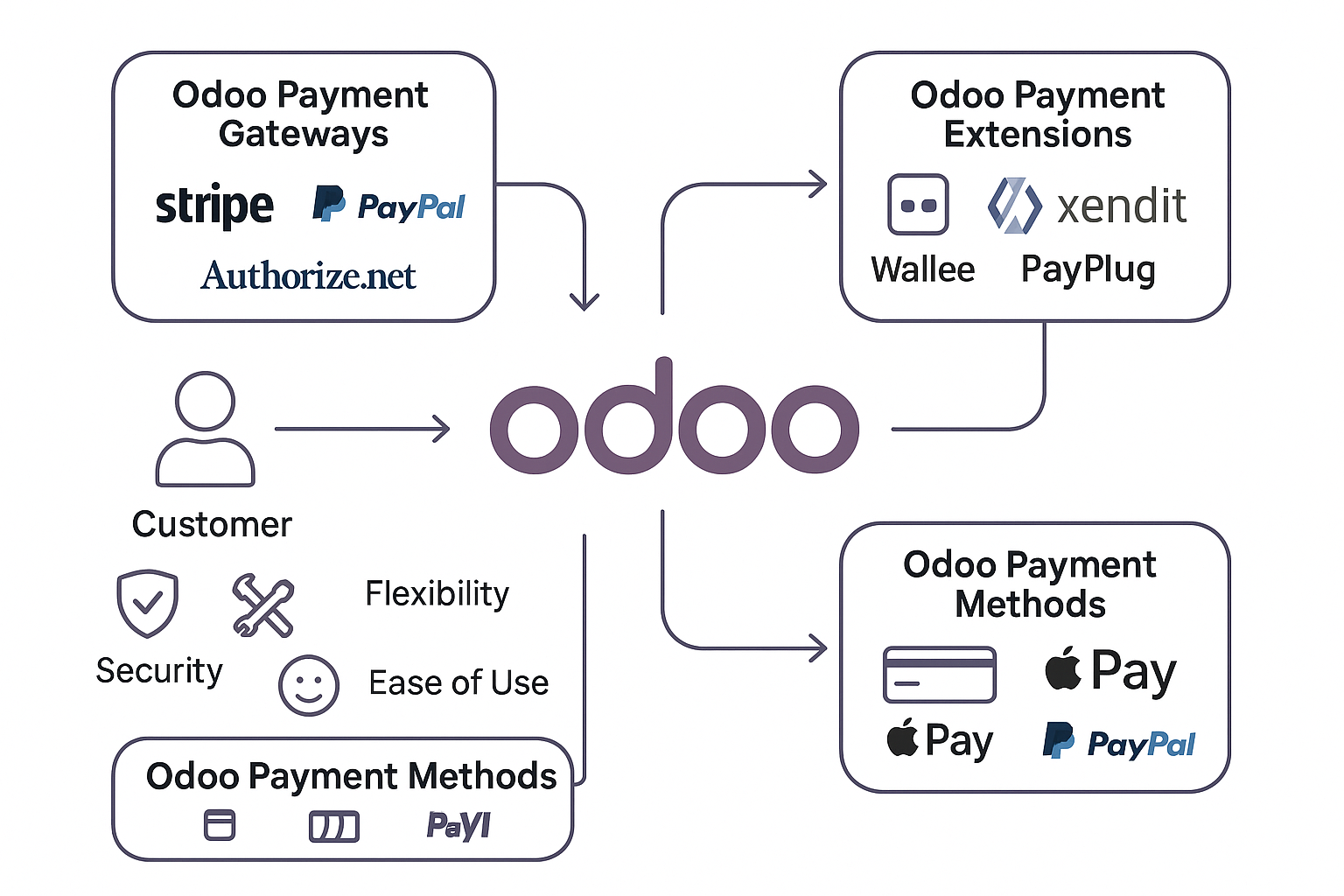
Odoo payment gateways are tools that connect your Odoo system to external services that handle payments. These gateways help your customers pay you through credit cards, PayPal, or other online methods. Some common gateways supported by Odoo include:
-
PayPal – Very popular and trusted.
-
Stripe – Great for global online payments.
-
Authorize.net – A secure option, especially in the U.S.
-
Adyen – Supports many local payment options worldwide.
-
Mollie – Flexible and easy to use, especially in Europe.
These gateways are built into Odoo, so you can start using them quickly.
Why Payment Methods Matter in Odoo
Odoo payment methods are the ways your customers pay you. Some common methods include:
-
Credit or debit cards
-
Bank transfers
-
Digital wallets like PayPal, Apple Pay, and Google Pay
-
Cash on delivery
-
Gift cards or vouchers
Offering more than one method gives your customers choices. It also increases the chance they’ll complete their purchases.
How to Set Up a Payment Gateway in Odoo
Setting up a payment gateway in Odoo is simple. Here’s how:
-
Go to the Invoicing or Accounting module.
-
Click on Payment Acquirers.
-
Choose the provider you want (like Stripe or PayPal).
-
Enable it and enter your credentials (like API keys).
-
Test the payment to make sure it works.
-
Go live and start accepting payments.
Always test first to avoid issues when real customers make payments.
Boost Your Setup with Odoo Payment Extensions
Odoo offers many extra tools, called payment extensions, that add new features to your system. Here are some good ones:
-
Wallee – Connects to over 50 gateways through one system.
-
PayPlug – Helps small businesses with easy payments.
-
Xendit – Popular in Southeast Asia for digital wallets and local bank payments.
-
Saferpay – Great for European businesses needing secure transactions.
These extensions let you accept more payment types and improve your checkout process.
Best Odoo Payment Apps to Try
You can find many useful Odoo payment apps in the Odoo App Store. These apps help with:
-
Custom payment terms
-
Handling advance payments
-
Sending detailed payment statements to customers
-
Allowing part payments (split payments)
Installing the right apps saves time and reduces errors. They also make the payment experience smoother for your customers.
Benefits of Using Odoo for Payments
Why choose Odoo for managing payments? Here are a few reasons:
-
Everything in one place – Sales, payments, accounting, and more.
-
Easy to set up – Especially with built-in gateways.
-
Flexible options – You can choose from many methods and tools.
-
Secure – Odoo uses strong encryption and follows global standards.
When your payments work well, your business runs better.
Security Tips for Odoo Payments
Security is very important. Here are some best practices:
-
Always use SSL encryption.
-
Store sensitive data using tokenization, not plain text.
-
Keep your system and payment apps updated.
-
Use strong passwords and access controls.
-
Follow PCI DSS rules if you handle credit card payments.
Protecting your data builds trust with your customers.
Handling Offline Payments in Odoo
Not all payments are online. You can also handle offline methods like:
-
Bank transfers
-
Checks
-
Cash payments at delivery or pickup
Odoo lets you mark these payments manually in the system. That way, your records stay accurate and up to date.
Tips for Choosing the Right Payment Gateway
Not sure which gateway to choose? Think about:
-
Where your customers live (local options are often best)
-
Fees per transaction
-
Supported currencies
-
Payment methods offered
-
Customer support quality
Try to pick a gateway that matches your business size and type.
How to Troubleshoot Common Payment Issues
Sometimes things go wrong. Here’s how to fix them:
-
Payment not showing? – Check if the gateway is active and the API keys are correct.
-
Customer can’t pay? – Try switching to a different browser or payment method.
-
Duplicate payments? – Look at your logs and contact the gateway provider.
Always test new setups and keep backups of your data.
Conclusion
Using the right Odoo payment apps can transform how your business handles money. With the right setup, you’ll make payments easier, faster, and safer for your customers, which means more trust and sales.
Start with built-in tools, expand with extensions, and keep your system secure. That’s the Odoo way to smart payment management.
Comments
Post a Comment